
Project 6
Creative
Design a problem-driven embedded device or robot using two Pi Picos and wireless coordination to address a real need in assistive tech, autonomy, interactive play, or sustainability.
Overview
The Creative project is an open-ended embedded systems and robotics brief. Teams receive a standard Arm-based base kit, including two Raspberry Pi Pico microcontrollers and nRF24L01+ transceivers, with access to additional parts from the event inventory. Over 24 hours, each team must design and build a working device that addresses a clearly defined problem in one of four prompt areas: assistive tech, autonomy, interactive play, or sustainability.
The recommended approach is to use one Pico in the main device and the second as a wireless controller, base station, or companion node. Teams are free to choose their own control method and mechanism, using inputs such as joysticks, buttons, or an IMU, and may build anything from a robotic arm or quadruped to a pick-and-place system or other interactive machine. The focus is not just on building something technically impressive, but on showing how the design solves a real problem in a clear and convincing way.
Objectives
- Define a clear real-world problem and explain who the solution is for.
- Design and build a working physical prototype within one of the four prompt areas.
- Use the two provided Pico boards and wireless transceivers to coordinate at least two parts of the system.
- Implement a purposeful control or behaviour strategy, whether remote, semi-autonomous, or autonomous.
- Demonstrate the prototype completing its intended task reliably during judging.
- Explain the key engineering choices, tradeoffs, and why the final design is an effective response to the chosen problem.
Quickstart
- Start with VS Code Setup, then use Pi Pico Controller for shared
nRF24L01+bring-up ideas and Power & Wiring before you add actuators. - Decide in the first hour what the main Pico does, what the second Pico does, and what counts as a believable live demo.
- Prove the wireless link early. Do not wait until the rest of the build is finished.
- Keep the first prototype small enough that it can demonstrate the core problem-solution loop.
Prompt Areas
Assistive Tech
Build a device that improves accessibility, safety, independence, or ease of use for a person or task.
Autonomy
Build a system that senses, decides, and acts with minimal human input to complete a meaningful task.
Interactive Play
Build an engaging physical experience that invites interaction, competition, learning, or delight.
Sustainability
Build a device that helps reduce waste, save energy, monitor resources, or encourage more sustainable behaviour.
Materials Provided
| Item | Picture | Description |
|---|---|---|
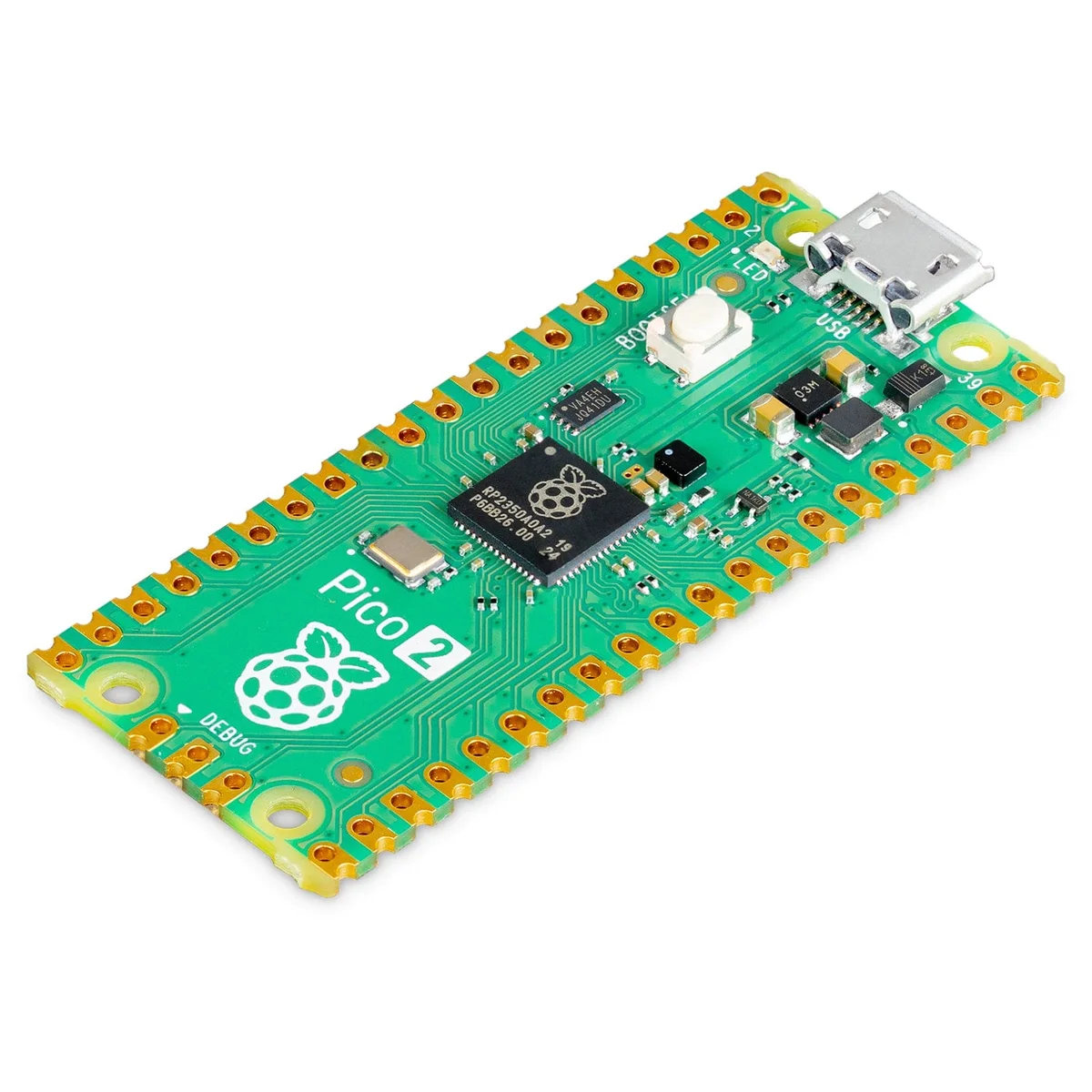
Raspberry Pi Pico 2 |
|
The core controller for the Creative project. Most teams will use one Pico in the main device and the second in a controller, base station, or companion node. |
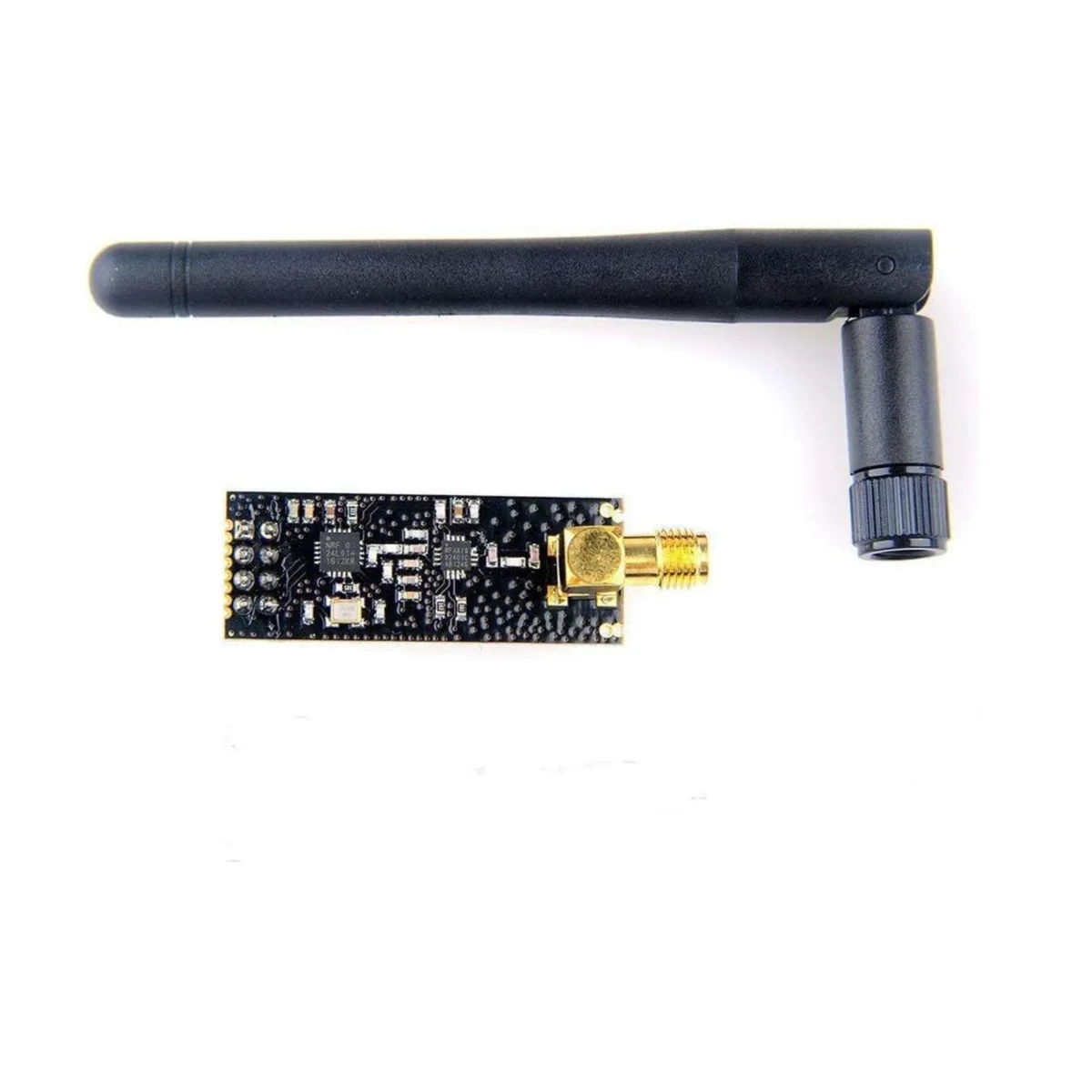
nRF24L01+ PA + LNA 2.4 GHz wireless modules |
|
Provides the required wireless link between the two Pico nodes, with the amplified radio and external antenna giving more margin for room-scale demos. |
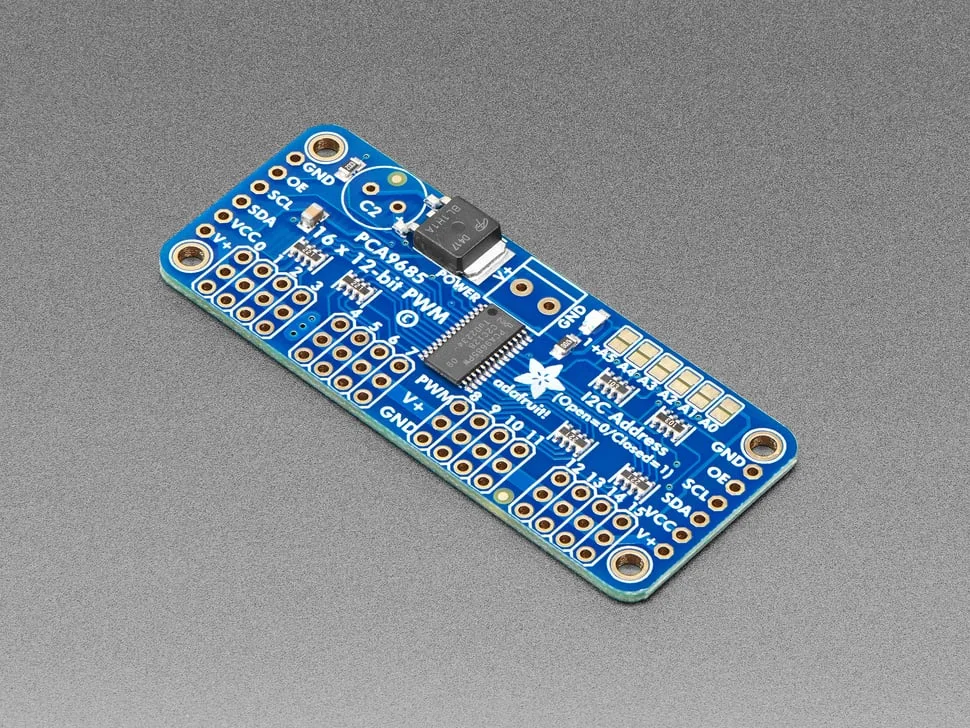
PCA9685 servo motor driver boards |
|
Adds many PWM outputs over I2C, which is useful when a creative build needs multiple servos without consuming most of the Pico pins. |
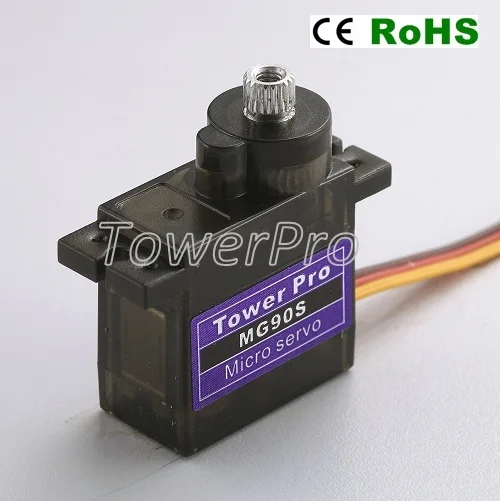
MG90S servo motors |
|
Compact actuators for light mechanisms such as pan-tilt mounts, grippers, latches, dials, or interactive moving parts. |
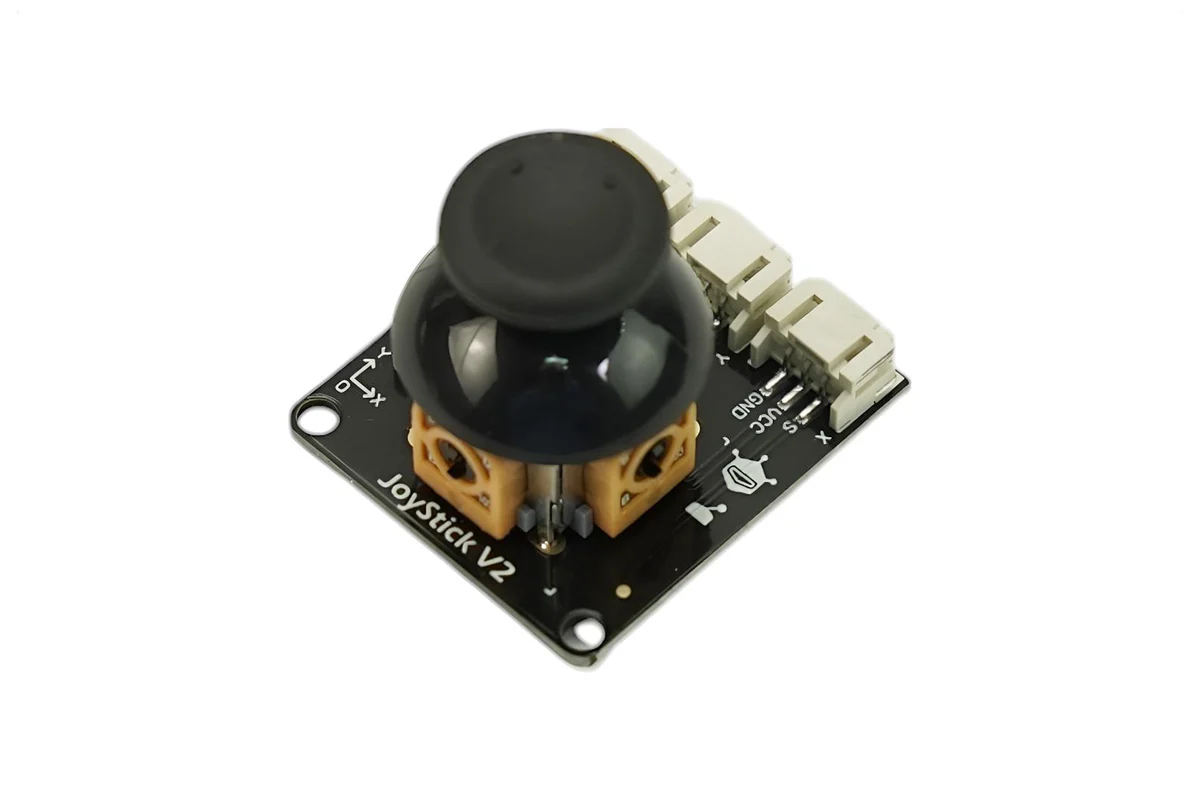
| Joystick modules |
|
Simple human input for teleoperation, calibration, manual override, or a quick handheld controller for prototype testing. |
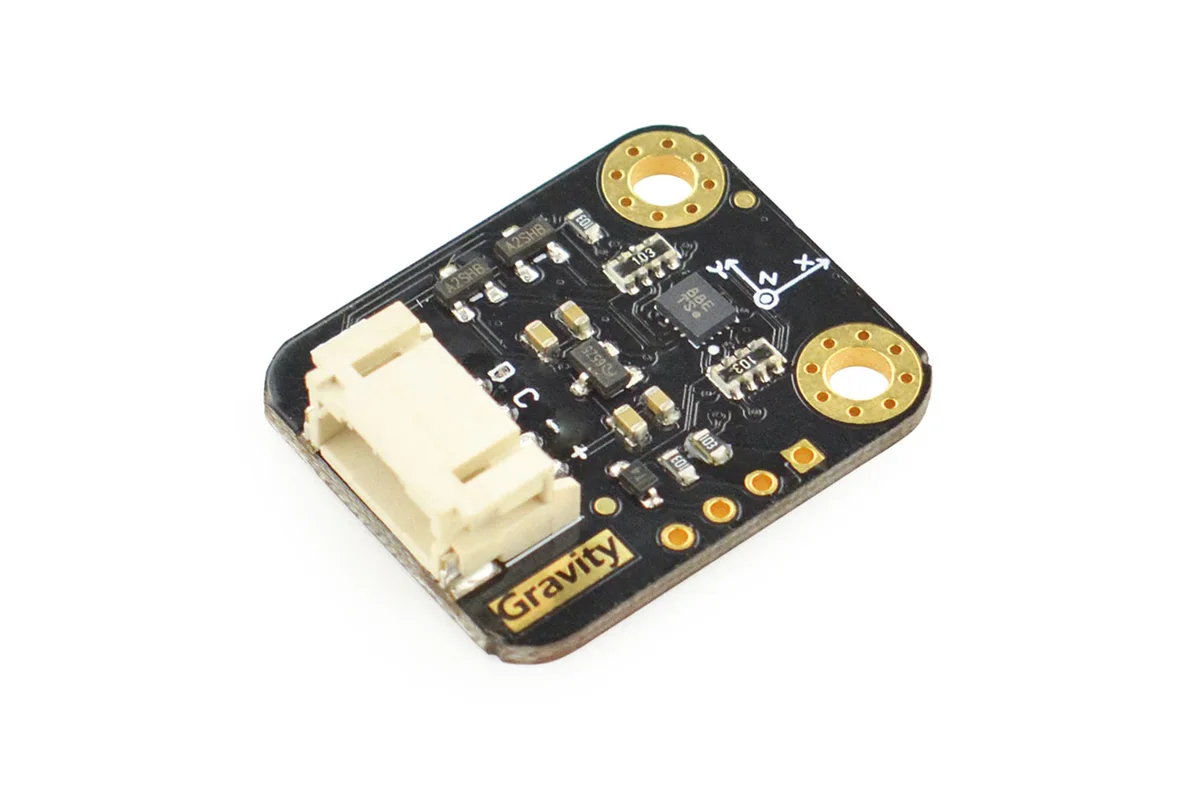
BMI160 gyroscope and accelerometer sensor |
|
Useful for orientation sensing, motion-triggered interaction, gesture control, stabilization, and other behaviour-driven projects. |
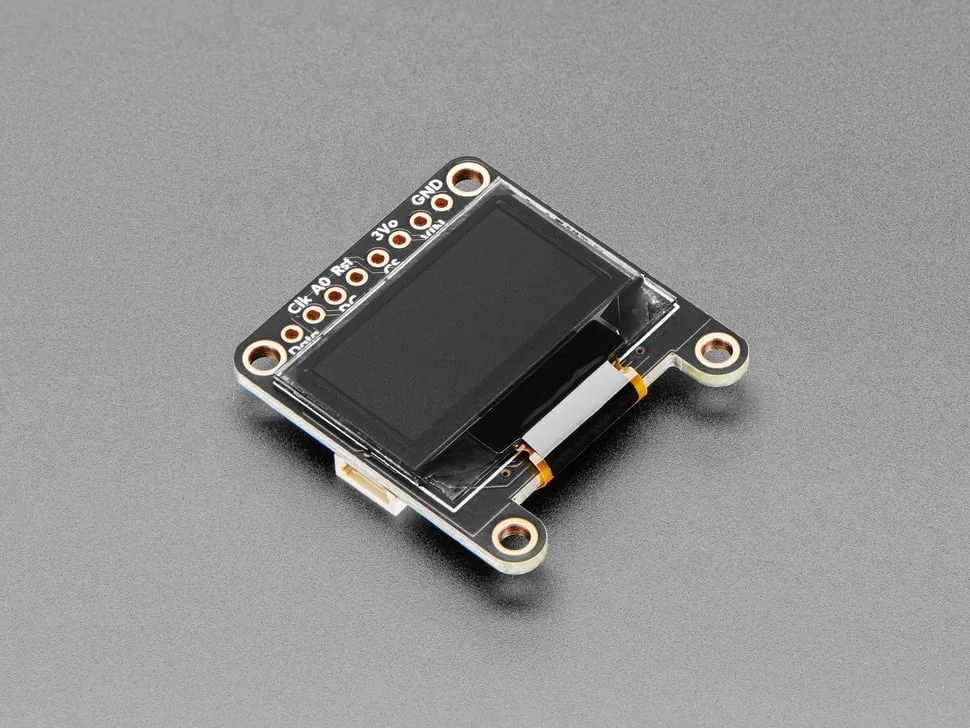
0.96" OLED display module |
|
A lightweight status screen for mode changes, sensor readouts, wireless state, battery checks, or other live debug information. |
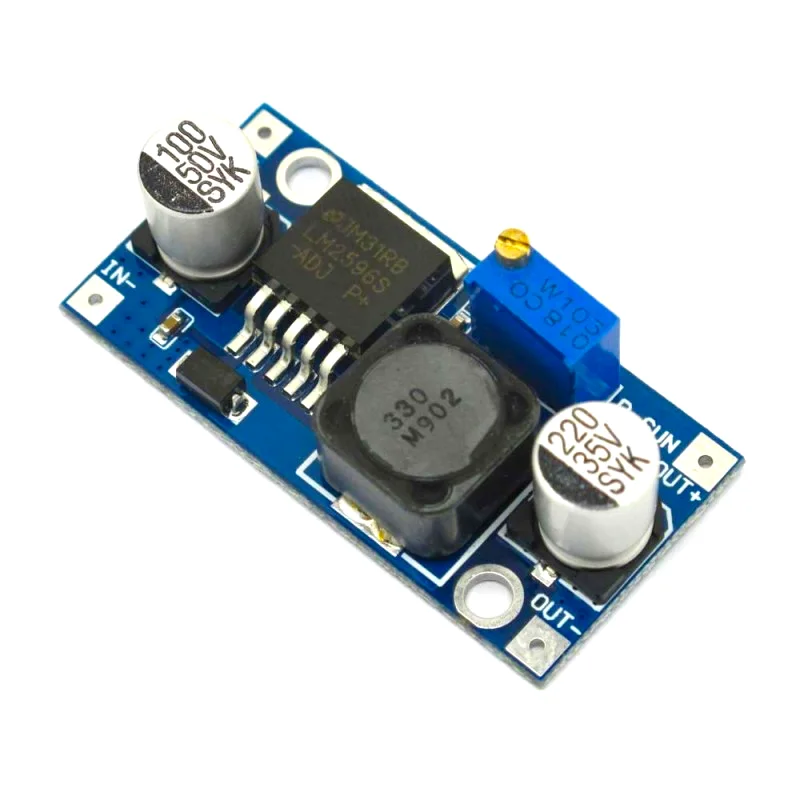
LM2596S DC buck converters |
|
Lets teams derive stable lower-voltage rails from a higher-voltage source for logic, radios, sensors, and smaller peripherals. |
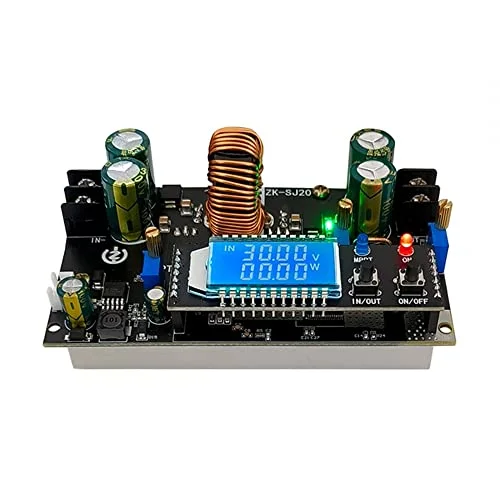
300W 20A DC-DC boost/buck power converter |
|
High-power adjustable conversion stage for builds that need a custom supply rail or heavier actuation than the small buck modules are meant to handle. |
12V 6A power supply unit |
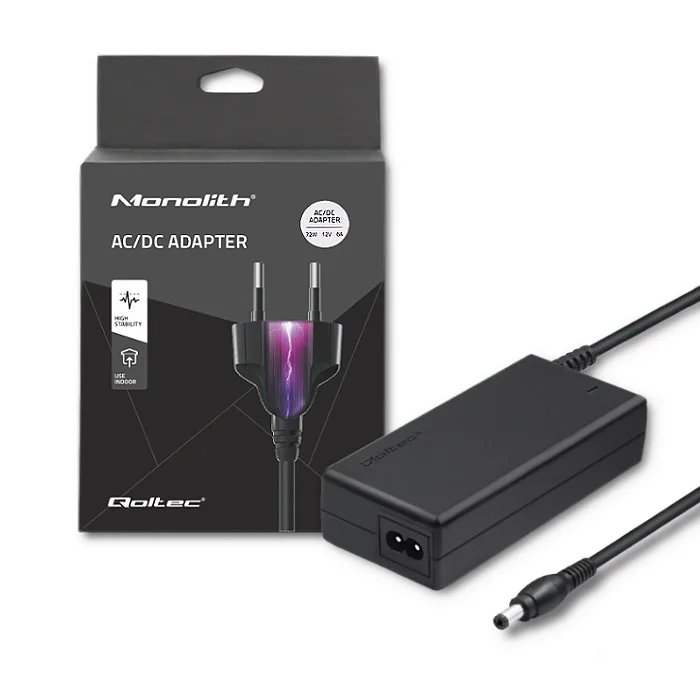
|
Bench power source for motors, converters, and other higher-current experiments during bring-up and testing. |
400-tie breadboards |
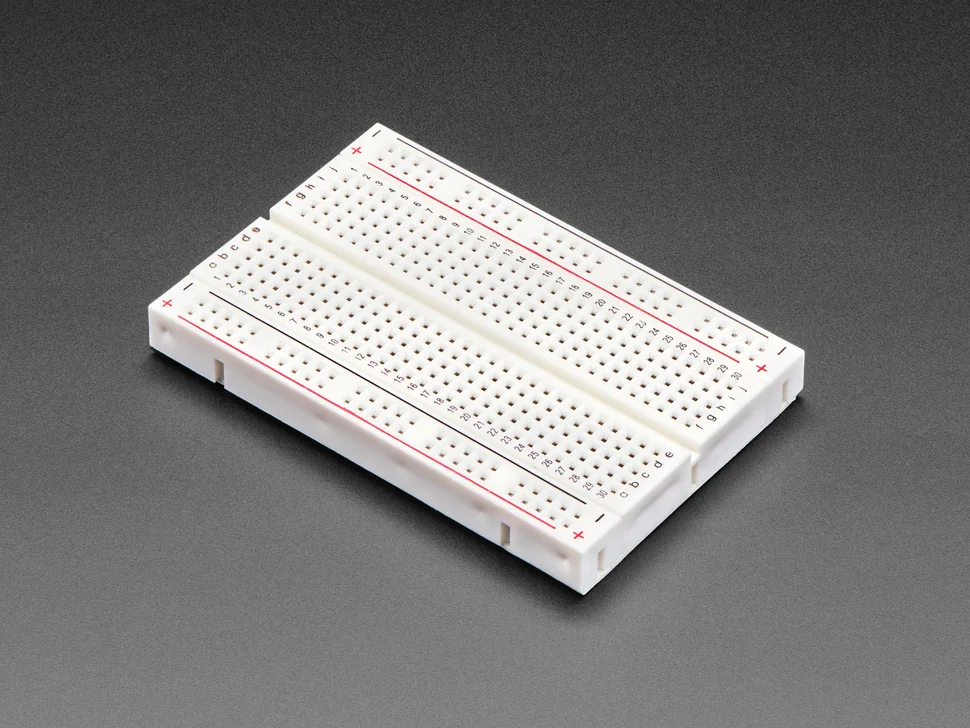
|
Fast solderless prototyping surface for trying control ideas, sensor wiring, and interface circuits before committing to a more permanent build. |
Perfboard 7 x 9 cm |
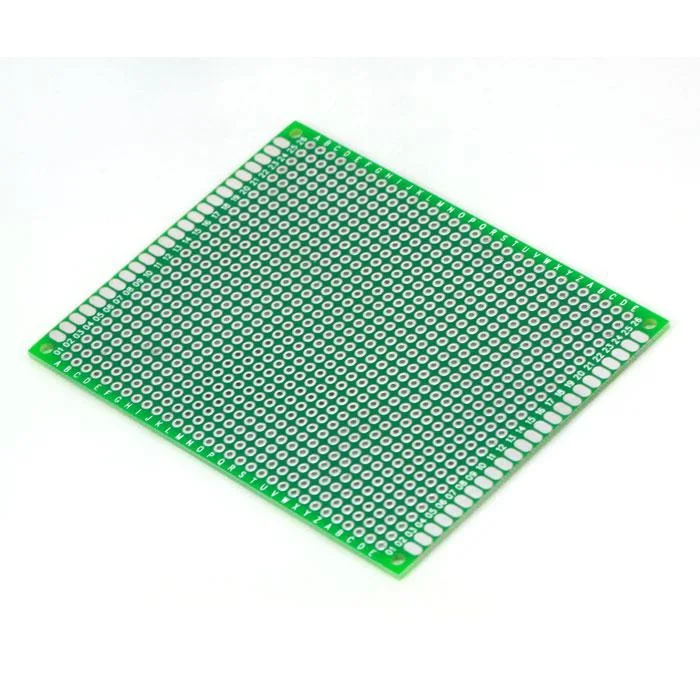
|
Useful when a working breadboard circuit needs to be transferred onto a more durable soldered board for the final prototype. |
22 AWG single-core wire |
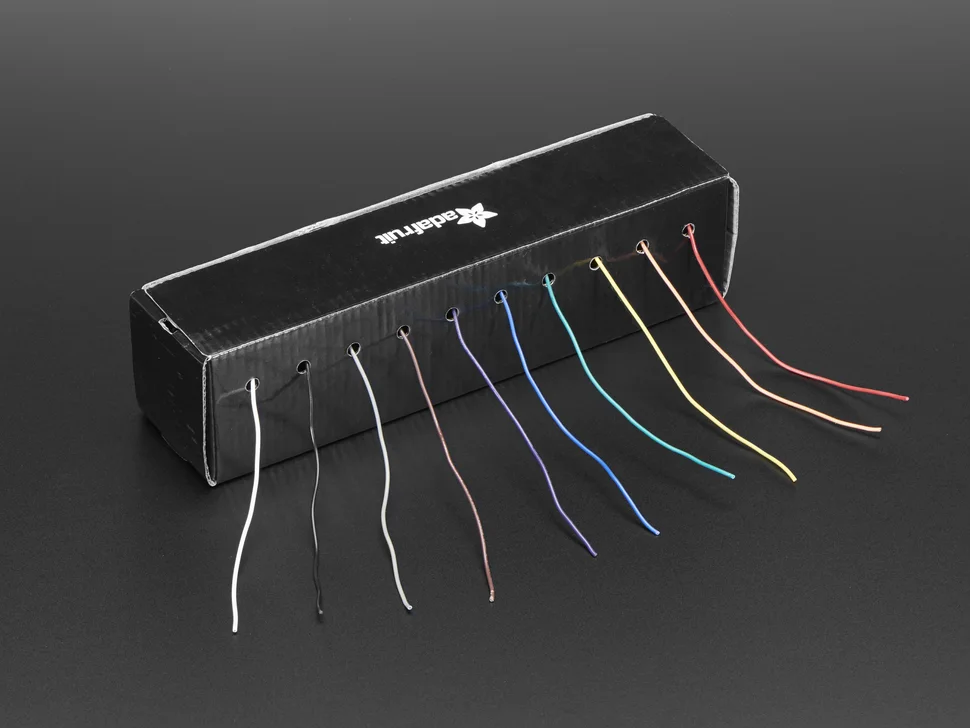
|
Breadboard-friendly hookup wire for quick interconnects, sensor headers, and neat point-to-point wiring on perfboard. |
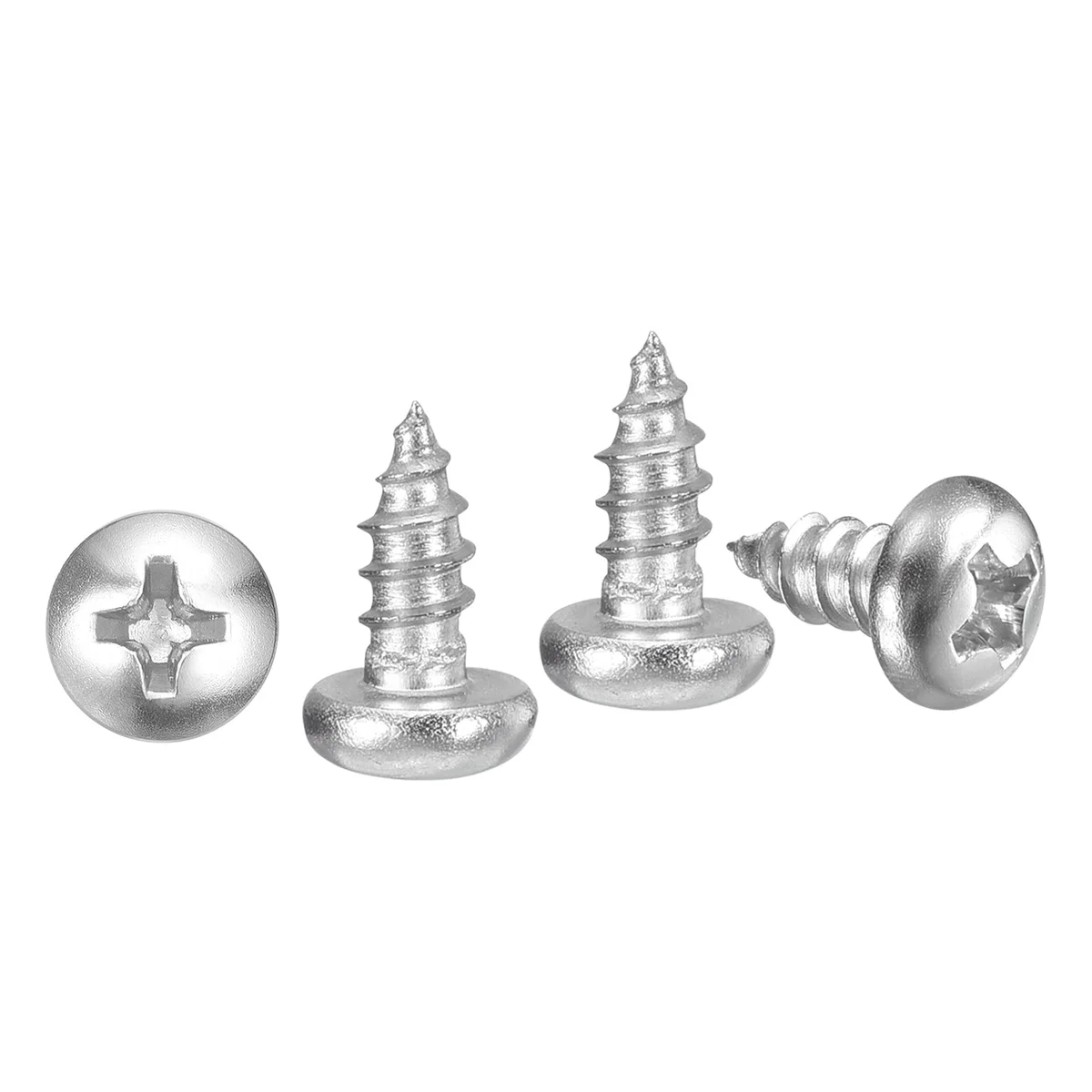
M3 x 8 mm self-tapping screws |
|
Convenient mechanical hardware for mounting 3D prints, brackets, covers, and light structural parts without a separate tapped insert. |
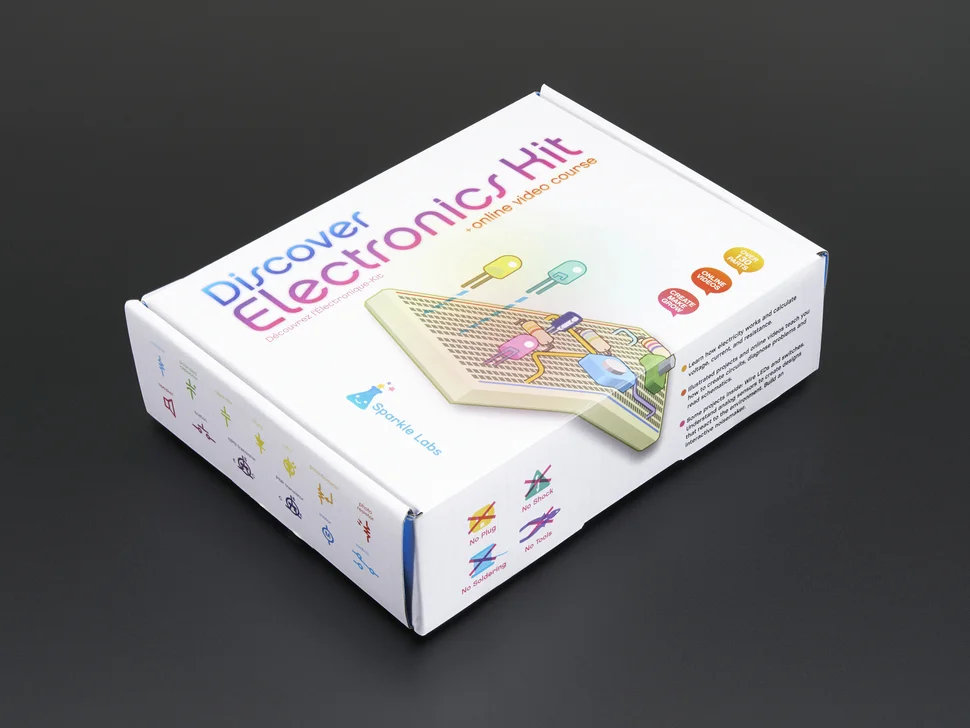
| Assorted electronic components kit |
|
General-purpose parts such as resistors, LEDs, diodes, and small interface components for signal conditioning, indicators, and quick fixes. |
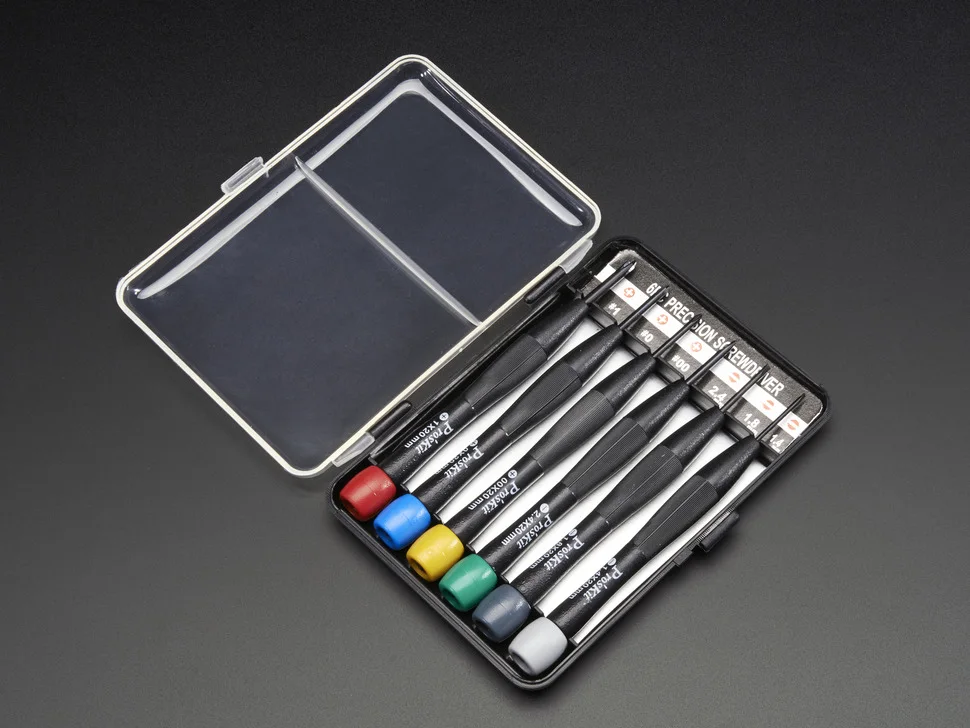
| Mini precision screwdriver set |
|
Basic hand tool set for assembling the prototype, tightening mounts, and making small adjustments during debugging. |
Additional Parts
If your team genuinely needs extra components, the event inventory will be at the back of the Makerspace near the storage rooms. Ask the supervisor on inventory shift what is actually available before you redesign your build around extra parts.
Common Failure Points
- choosing a problem that is too vague to demonstrate convincingly
- waiting too long to prove the two-Pico wireless link
- chasing extra inventory before the core concept works with the base kit
- building too much mechanism before the live demo path is stable
Programming approach
Teams will build around the Raspberry Pi Pico 2, which is well suited to embedded control, sensing, actuation, and wireless communication. VS Code is the primary recommended workflow for this project.
- Recommended path: VS Code
- MicroPython or Arduino IDE can still be used if your team already knows them, but treat them as secondary options
Scoring Criteria
Maximum score: 100 points
The Creative project is judged using a fixed rubric rather than by fastest time or direct placement against other teams. Judges will look for a clear problem, a convincing physical prototype, and a live demonstration that shows the system doing something meaningful.
Each team will complete one final judged demonstration. Scores will then be awarded across the categories below.
1. Problem Definition and Solution Fit (30 points)
This category rewards how clearly the team defines the problem, identifies the intended user or context, explains relevant constraints, and shows that the chosen device is a good response. The project should also fit clearly within the selected prompt area.
| Performance Level | Points |
|---|---|
| Exceptionally clear problem definition, strong prompt fit, and highly convincing solution choice | 24-30 |
| Mostly clear problem and solution fit, with some gaps or weaker justification | 16-23 |
| Problem is vague, weakly framed, or only partially connected to the prototype | 8-15 |
| Problem is unclear or the solution fit is not convincing | 0-7 |
2. Live Demo and Effectiveness (25 points)
This category rewards how convincingly the prototype performs its intended task during judging. Stable, believable operation will score more highly than a fragile one-off success.
| Performance Level | Points |
|---|---|
| Core function works clearly and convincingly in the live demo | 20-25 |
| Core concept works, but with visible limitations or only partial success | 13-19 |
| Only a limited or inconsistent demonstration is achieved | 6-12 |
| Intended function is not meaningfully demonstrated | 0-5 |
3. Technical Implementation and Engineering Quality (20 points)
This category rewards embedded software, sensing, control, actuation, wireless coordination, system integration, and overall build quality.
| Performance Level | Points |
|---|---|
| Strong integration, robust implementation, and effective use of hardware and software | 16-20 |
| Competent execution with some rough edges or missing polish | 10-15 |
| Basic implementation or weak integration across the system | 4-9 |
| Minimal technical execution or poor overall quality | 0-3 |
4. Innovation and Creativity (15 points)
This category rewards originality of concept, mechanism, interaction style, control method, or use of the provided kit.
| Performance Level | Points |
|---|---|
| Clearly original, inventive, and thoughtfully executed | 12-15 |
| Some creative ideas, but overall more familiar or expected | 8-11 |
| Limited originality or only minor creative elements | 4-7 |
| Little meaningful creativity | 0-3 |
5. Communication and Supporting Documentation (10 points)
This category rewards how clearly the team explains the problem, architecture, design decisions, and tradeoffs. Supporting material may include a short README, block diagram, wiring diagram, CAD view, or control-flow sketch.
| Performance Level | Points |
|---|---|
| Clear explanation with useful supporting material | 8-10 |
| Understandable explanation, but incomplete or uneven | 5-7 |
| Weak explanation or minimal supporting material | 2-4 |
| Unclear explanation and no meaningful supporting material | 0-1 |
Judging Requirements
- Using both provided Pico boards with the wireless link is a core requirement of the brief.
- If a team does not meet the two-Pico wireless requirement, they may still be judged, but their total score is capped at
60. - A successful live demonstration of the project’s core function is required for full marks.
- If a team cannot demonstrate the core function live during judging, their total score is capped at
50. - If both score caps apply, the lower cap will be used.